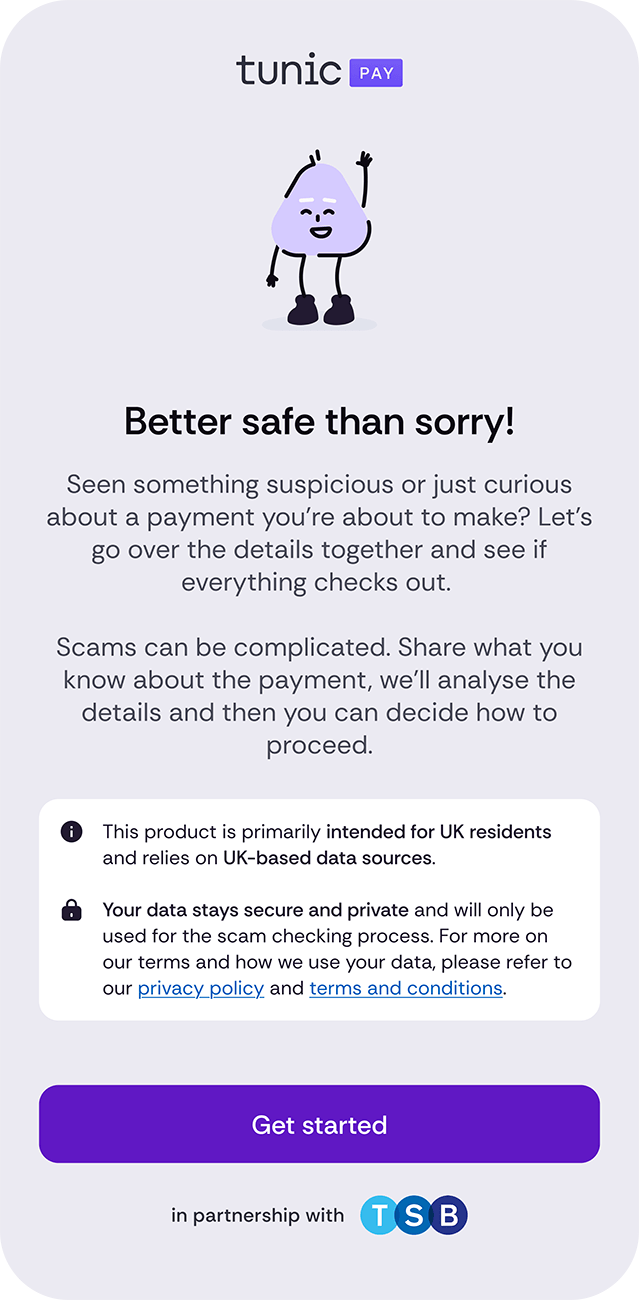
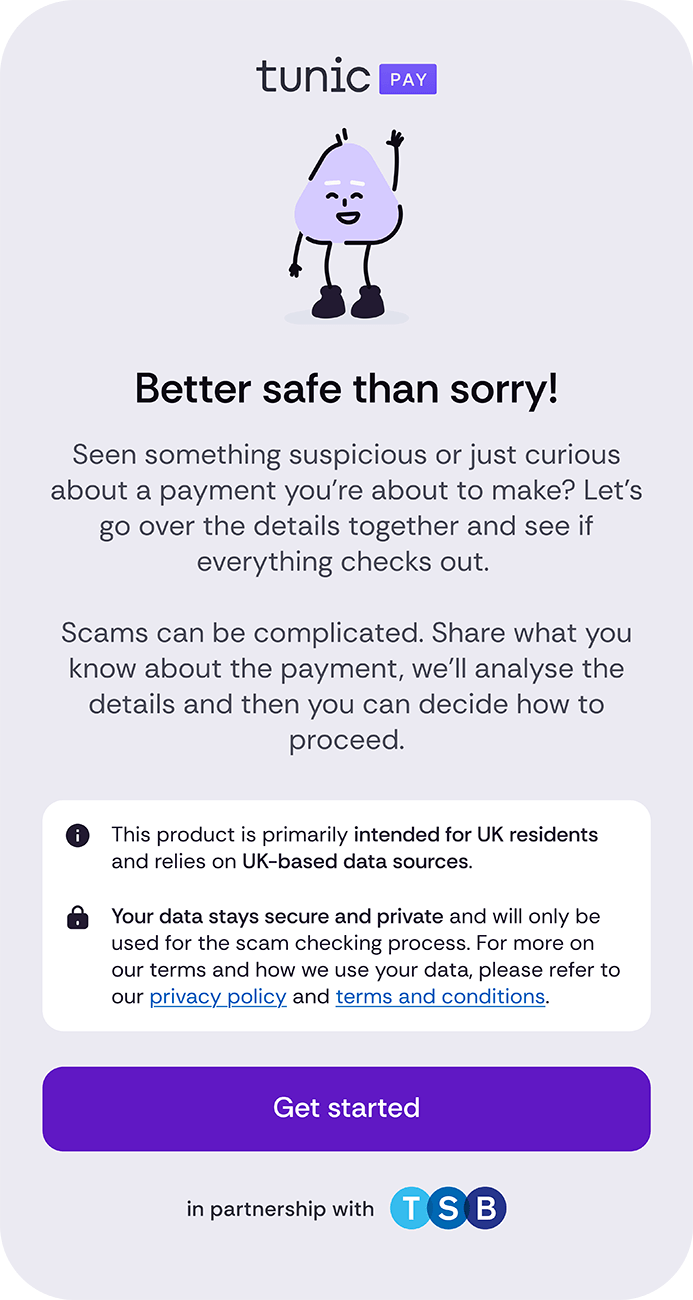
We’ve partnered with Tunic Pay to bring you the Scam Checker, an AI tool that helps you identify scams early to give you more confidence when making a payment. And if something’s not right, we’ll help you take the next step.


How to use the Scam Checker
Step 1
If you’re planning on making a payment, use the Scam Checker for an extra bit of confidence.
Step 2
Choose the type of payment: buying something, paying for a service, making an investment, or something else?
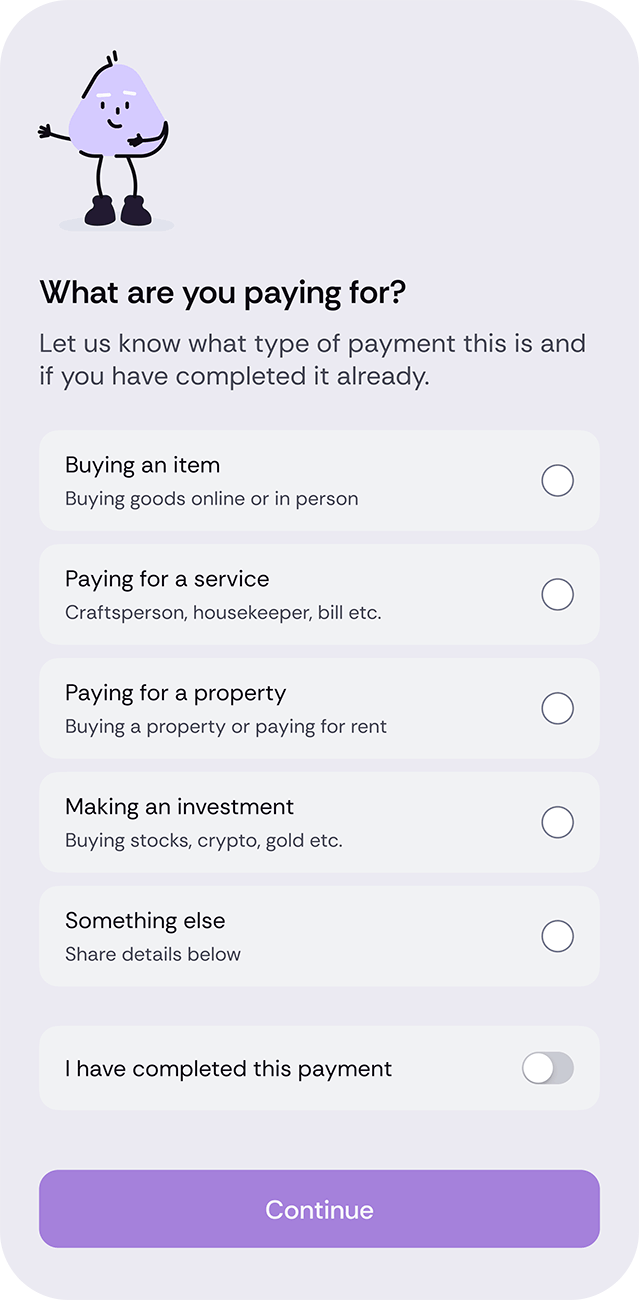
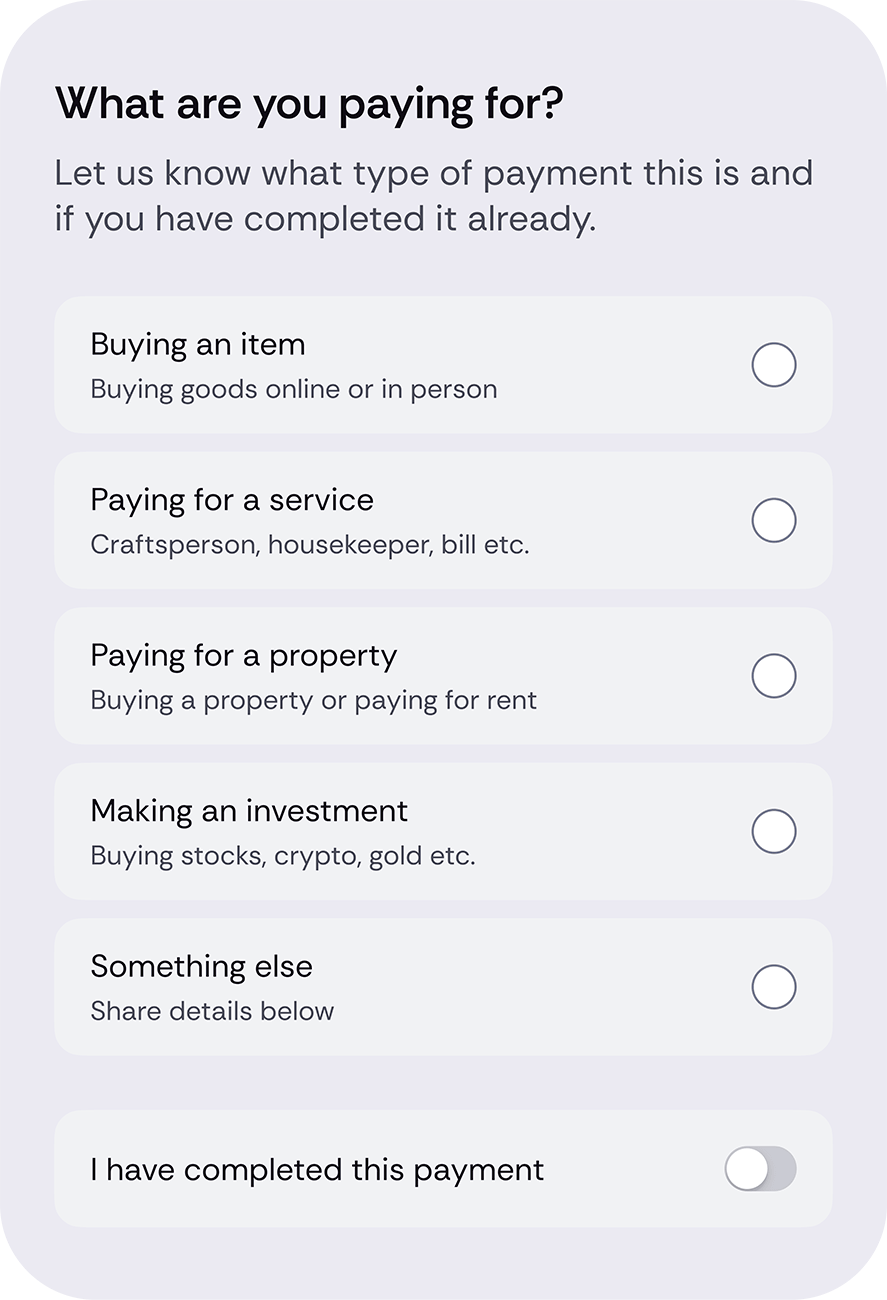
Step 3
Upload screenshots, messages, listings, or other details relevant to the payment. Tunic Pay will keep your data private and secure.
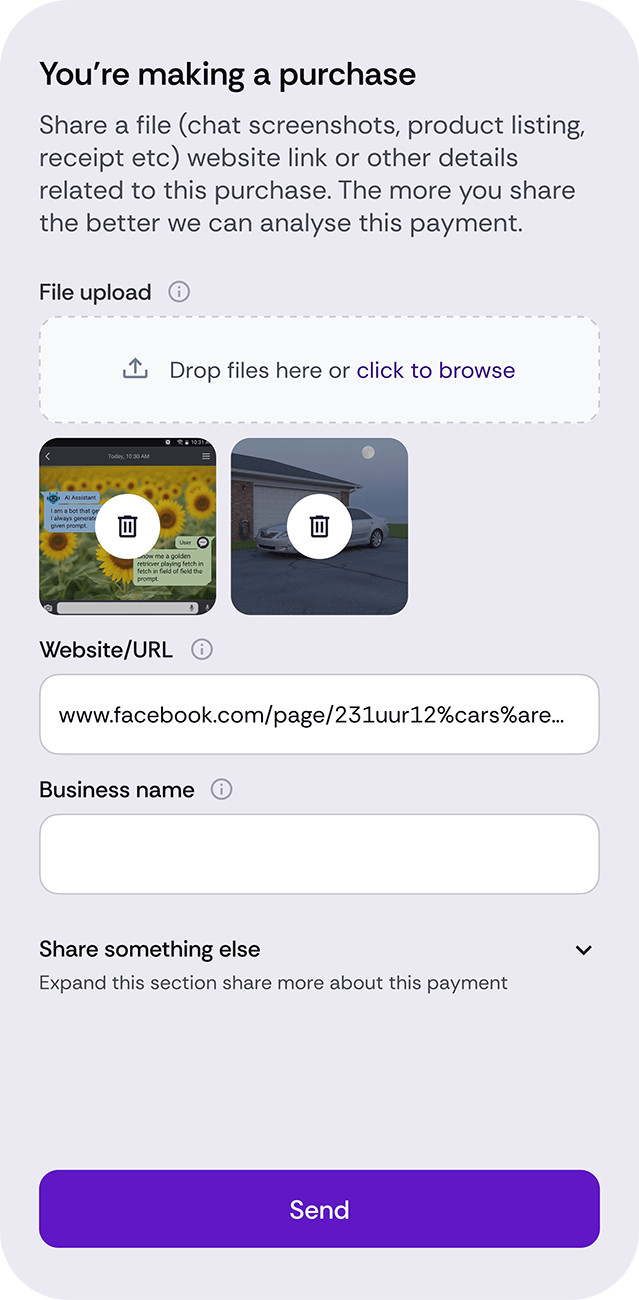
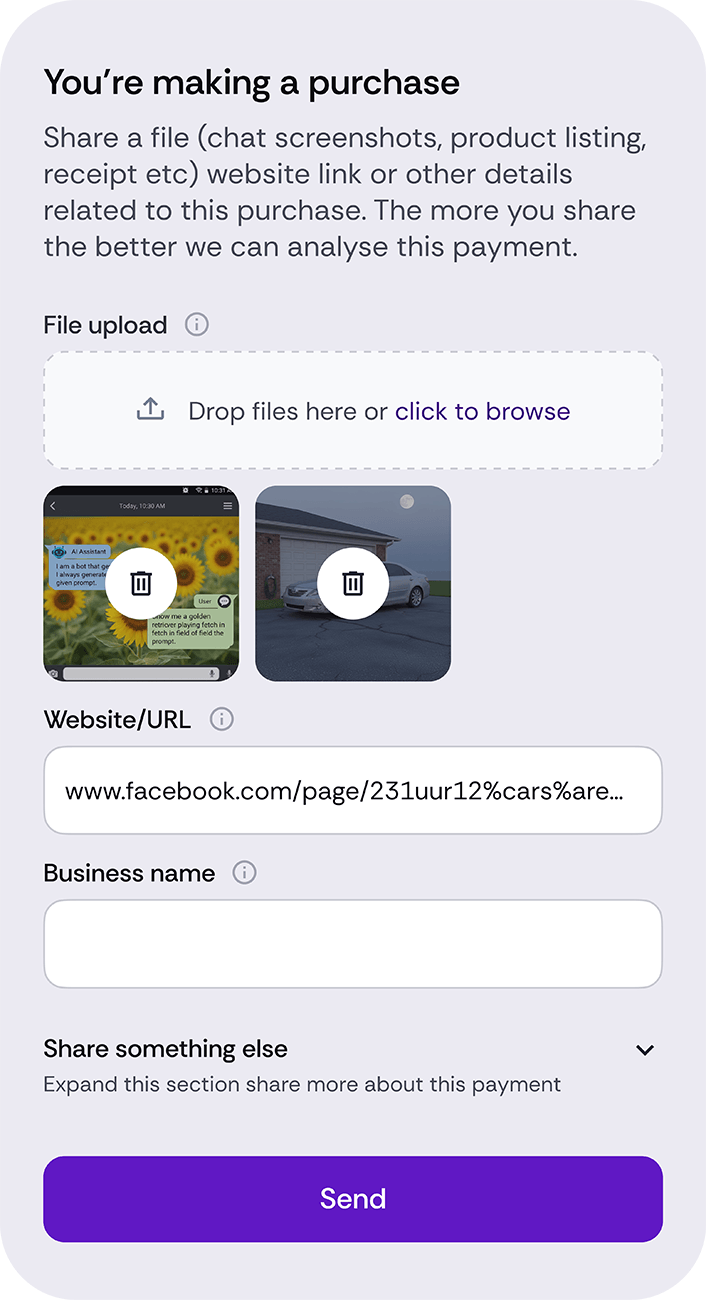
Step 4
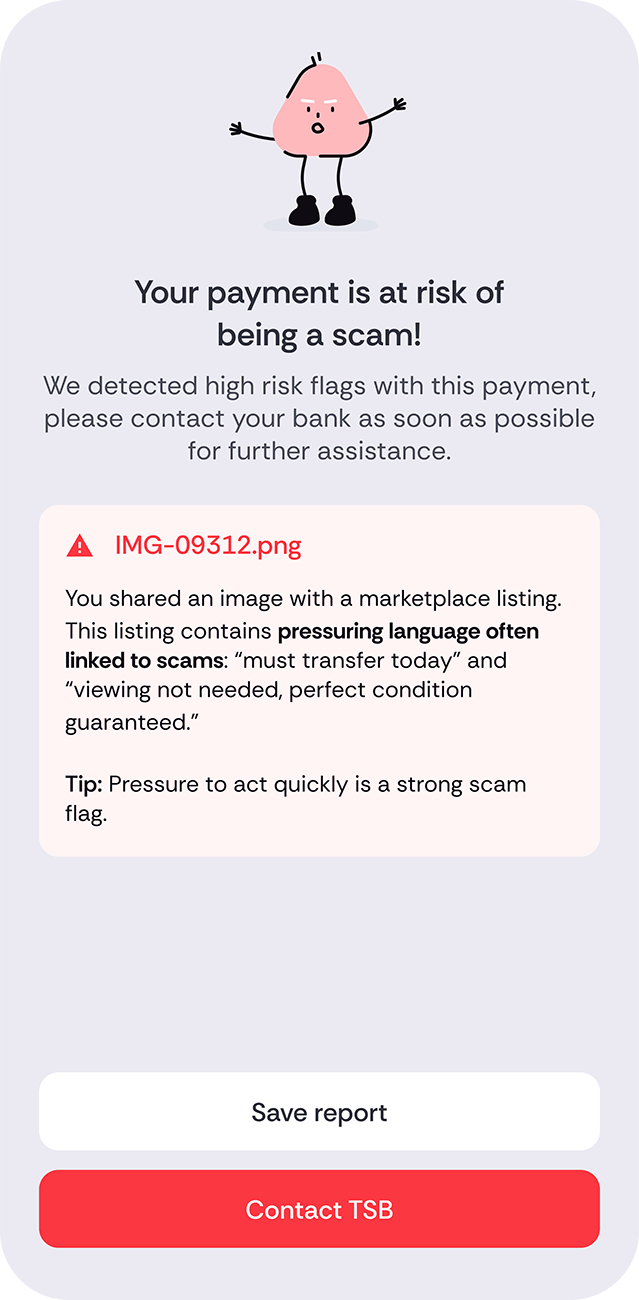
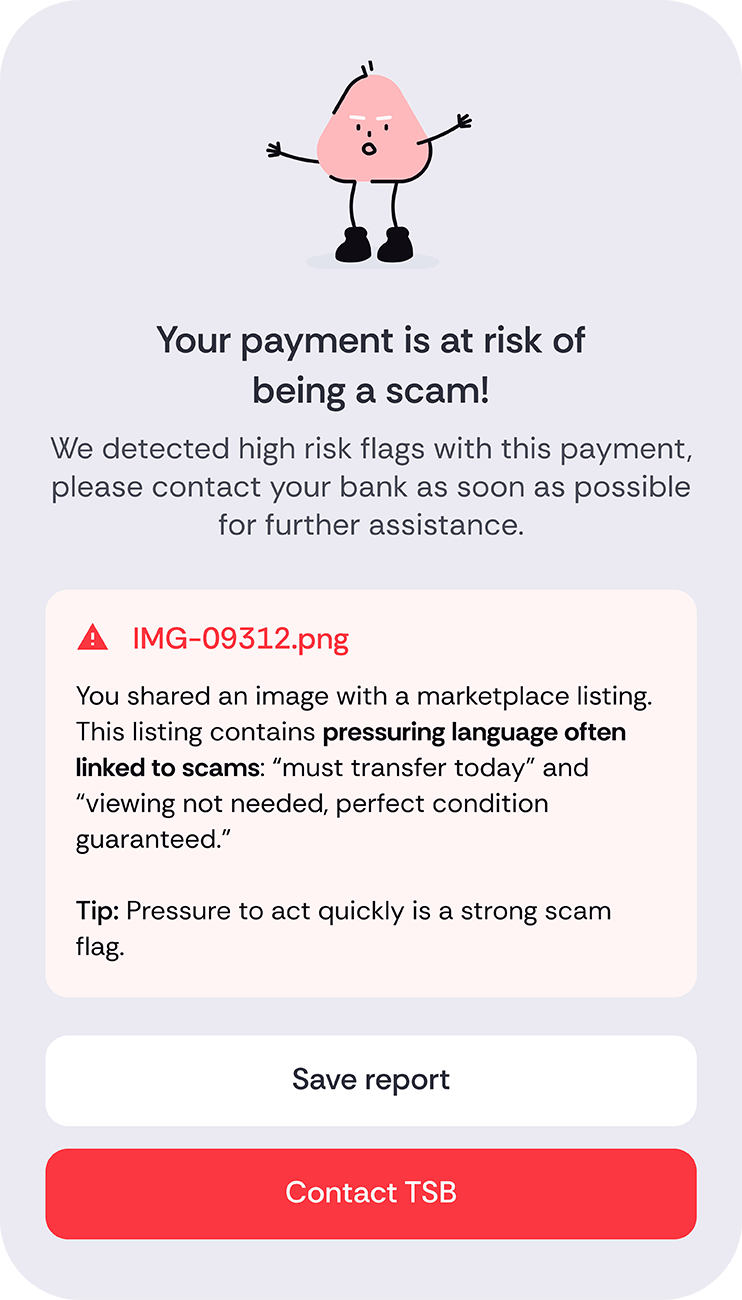
Your information is analysed by AI for any risk flags which indicate whether the payment is part of a scam or not.
What does the Scam Checker do?
Don’t regret it, check it
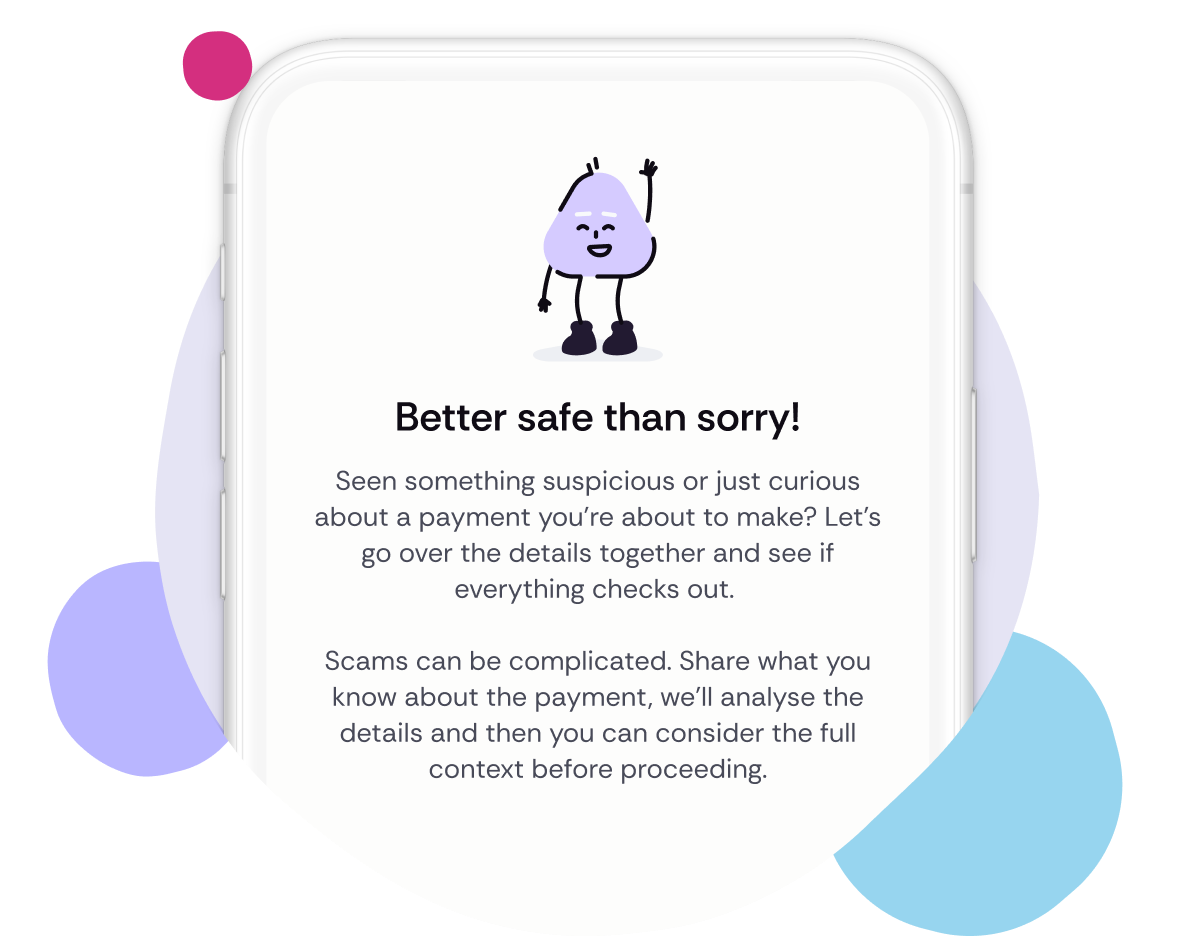
Want a bit of reassurance before sending money? Scam Checker double-checks all the important details.
It’ll use AI to check a number of data points to look at who you’re paying and how you were contacted. It can analyse things like screenshots, invoices, or links, to see if it’s a scam.
Protecting your money
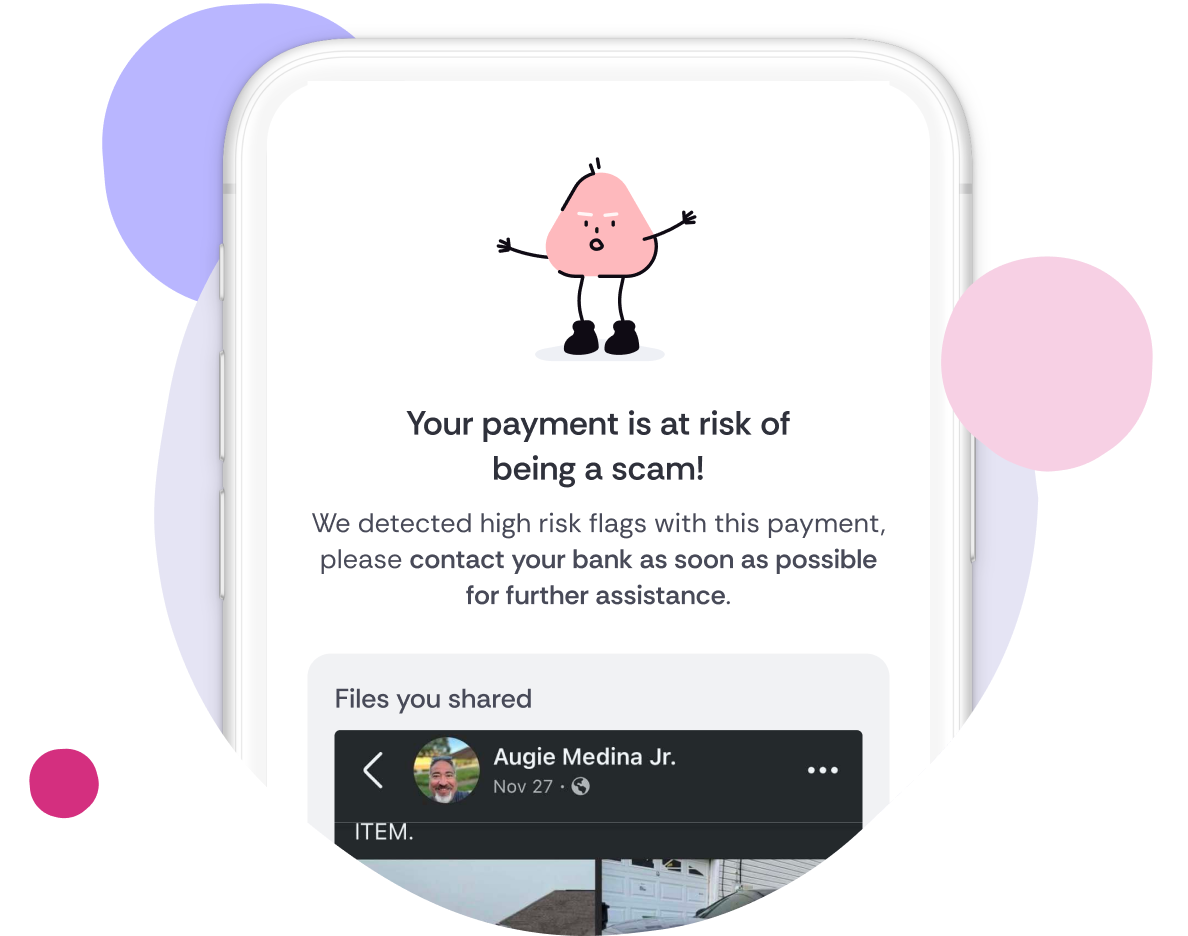
If the Scam Checker flags some concerns, you don’t have to figure out what to do alone. Save your report and discuss it with TSB’s Fraud Team.
You can call us on 0800 023 4113 for card scams, or 0800 096 8669 for all other scams, and we’ll help you investigate.
Trust your instinct!
Use the Scam Checker with your own judgement and research and don’t be rushed into making a payment or handing over any details.
If something looks too good to be true, it probably is! We’ll never ask for details like your User ID, Password, or PIN. And nobody from Tunic Pay or TSB will call you about using this tool or ask you to move money to a “safe” account.
Already made a payment?
The fastest way to get help with a transaction is by using the TSB app. Simply tap the transaction, select ‘Get help’ and follow the instructions on screen.
If you’re worried about being scammed, or think your details have been compromised, call us. For card scams, call us on 0800 023 4113. For all other scams, call us on 0800 096 8669.
